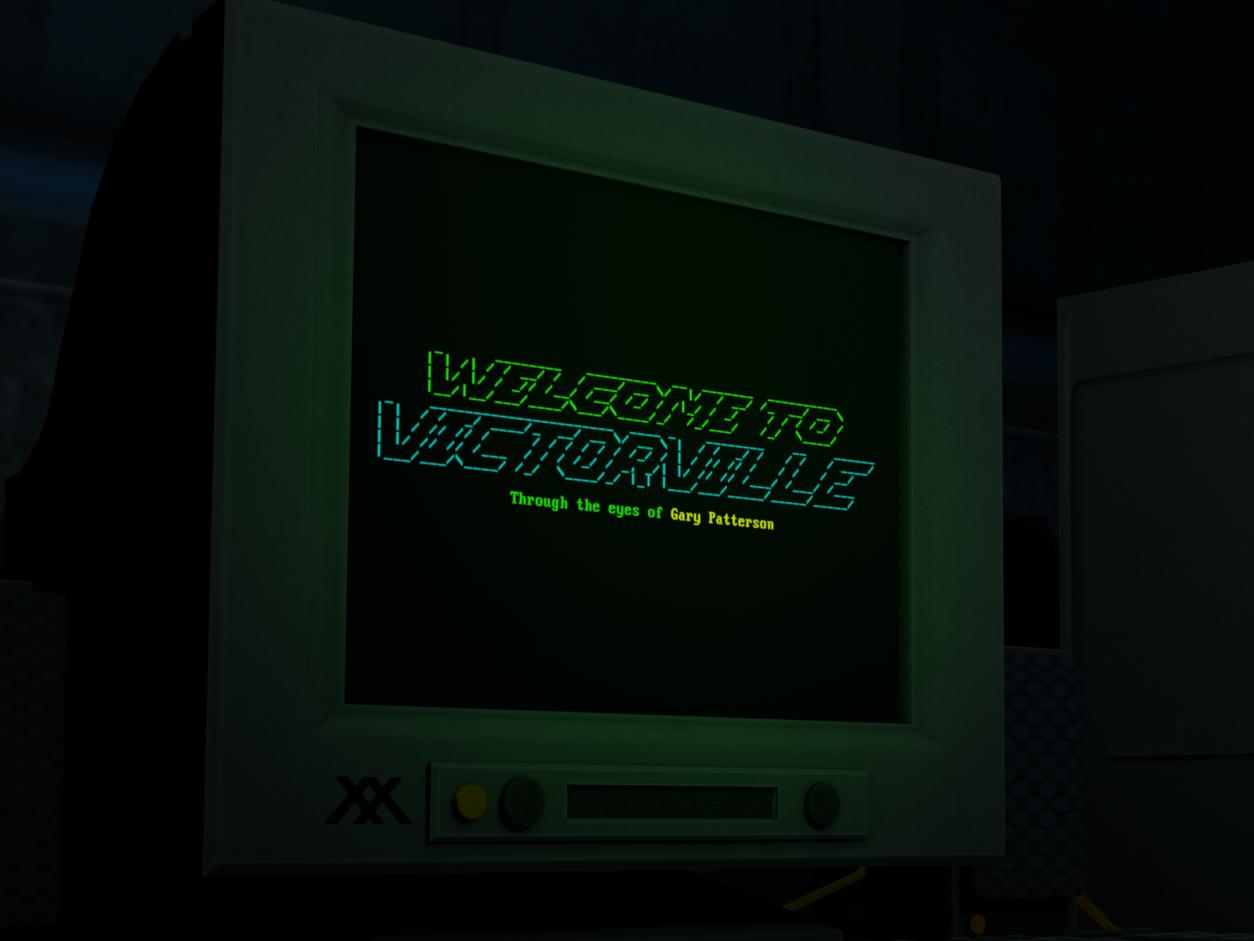
The game can be toggled between fullscreen and windowed in Settings or by pressing F11
(macOS users: You may need to disable the "Show Desktop" keyboard shortcut in Mission Control settings to toggle fullscreen with F11)
For monitor resolutions 1440p and above, the game will display in 1080p when windowed
For monitor resolutions less than 1440p, the game will display in 540p with scanlines disabled when windowed
For monitor resolutions less than 720p, windowed mode is not supported
If LRM is enabled, toggling fullscreen during the intro cutscene will skip to the Main Menu
Simplify VFX Option
This setting is intended for lower-spec computers that may lag due to the game's visual effects
Disables text glow, screen glitch, and pulsating darkness effects
Edited the description of an item for narrative consistency
Fixed an issue where the Main Menu selection could be changed during the camera move animation, leading to unexpected behavior
Fixed an issue where resetting could cause unexpected music behavior
Fixed an issue where a full-screen effect could disappear slightly too early during some endings
Fixed a possible issue regarding the loading of previously discovered paths in non-Steam builds
GameMaker engine has been updated to LTS 2026
(If any unexpected issues arise from this change, please let us know!
The minimum required macOS version has been increased to macOS 12 Monterey
This is due to Xcode 27's new minimum deployment target. We were unaware of this change before updating, and would have preferred to continue supporting older macOS versions if Apple allowed us to. We sincerely apologize for the inconvenience.