
Update 1.1.0
Aug 6 2026
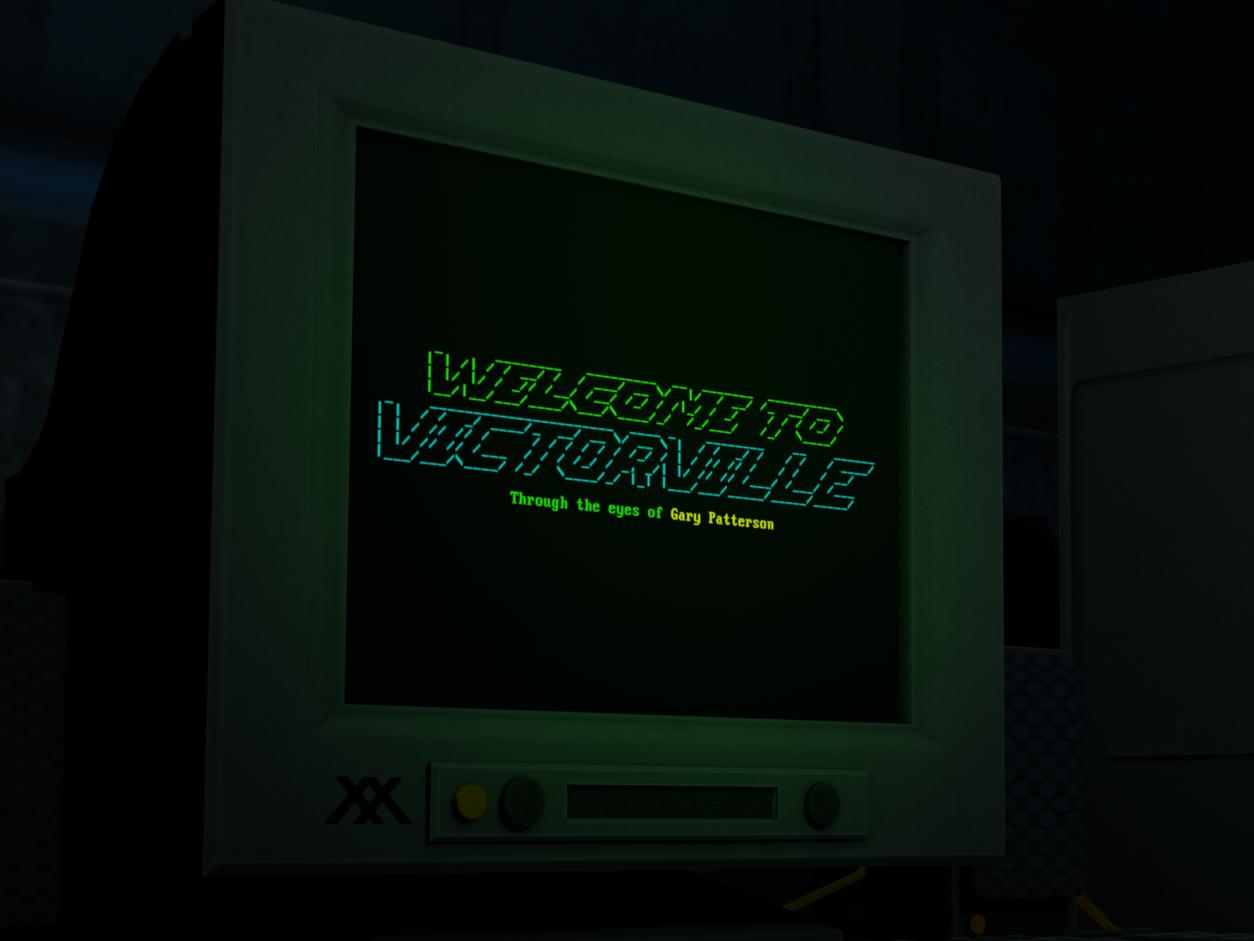
New Accessibility Features:
- Low Resolution Mode (LRM)
- The first time the game is launched with this update installed, a resolution check will be performed
- If a monitor resolution under 1080p is detected, LRM will be enabled (can be toggled in Settings)
- When LRM is enabled, the game window will be vertically cropped to the boundaries of the in-game CRT screen for maximum text readability, and the horizontal resolution will also be dynamically cropped to match the monitor's aspect ratio to fill as much vertical screen space as possible (As narrow as 4:3 and as wide as 2:1)
- An alternate Main Menu screen has been created specifically for LRM
- The LRM toggle will always be saved locally whether or not the game is running through Steam
- The first time the game is launched with this update installed, a resolution check will be performed
- An option to disable scanlines has been added to the Settings menu
- If LRM is automatically enabled on first boot via the resolution check, scanlines will be disabled
- The scanline toggle will always be saved locally whether or not the game is running through Steam
Other Changes:
- (Steam Only) Pressing Ctrl+Shift+F12 will reset all settings to default and close the game
- Resetting settings will cause the game to perform its resolution check again on next boot
- (Steam Only) The "Twine Version" menu option now hides when the game is running in Steam Big Picture mode instead of when running on SteamOS in general
- Slightly increased the volume of the ambient track "Research and Solitude"
- All text elements now properly align to the intended resolution of the in-game CRT screen
- Fixed a slight narrative inconsistency where Gary's eyes would adjust to the "light" in a dark room
- Fixed an issue where certain lines of text meant to appear instantly would display the first letter a single frame before the rest of the line
- Fixed an issue where the volume sliders would flash white for a single frame when entering the Settings menu from the Pause menu
- Updated credits